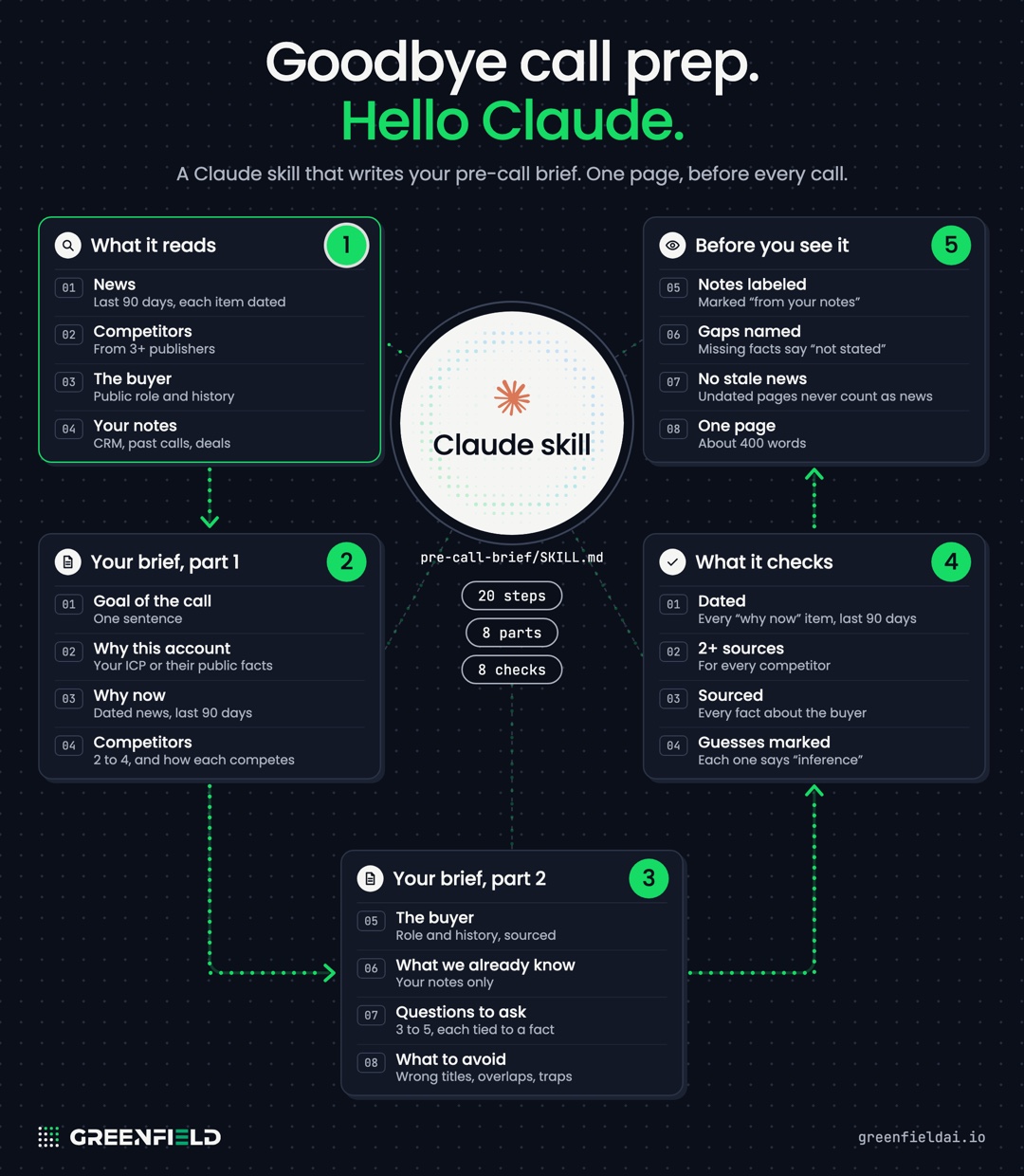
Pre-call brief: a Claude skill for sales call prep
Install it in Claude
- Turn on code execution. In Claude, open Settings, then Capabilities, and turn on Code execution and file creation. On a Team or Enterprise plan, an owner turns it on for the whole organization.
- Upload the skill. Open Customize, then Skills. Click the plus button, choose Create skill, then Upload a skill, and pick the zip.
- Switch it on. The skill shows in your list of skills. Turn it on there.